Physical Address
304 North Cardinal St.
Dorchester Center, MA 02124
Physical Address
304 North Cardinal St.
Dorchester Center, MA 02124

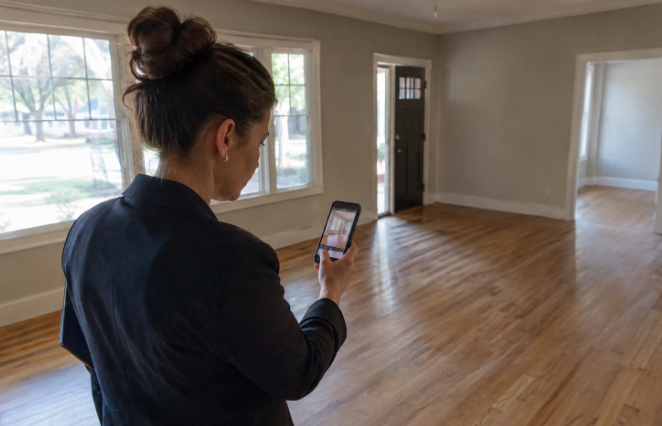
Property photos often form a buyer’s first impression of a home. Thoughtful staging can make an empty room easier to understand, helping viewers see scale, function, and potential without creating an unrealistic expectation. Used well, AI virtual staging can add context to a vacant image while keeping the actual property front and center.
The goal is not to make every room look like a catalog spread. It is to answer practical questions buyers have before scheduling a showing: Will a sofa fit here? Is this bedroom large enough for a standard bed? Could this open area work as a dining room, office, or playroom? The strongest staged photos show a plausible use of the space while preserving the facts a buyer needs to see.
A vacant room can look larger, smaller, or less useful than it feels in person because buyers have few visual reference points. A normal-sized sofa, area rug, and side chair can establish the scale of a living room. A bed and nightstands can show whether a bedroom supports everyday circulation. The distinction matters: furniture may help people understand a room, but it should never be arranged or resized to make the room appear materially different from reality.
For example, an empty rectangular room may leave viewers unsure whether it is a formal dining area or an awkward transition space. A modest dining table with enough visible clearance around it can suggest a realistic purpose. That is more useful than filling the room with decorative objects that distract from its dimensions.
Appropriate staging can add furniture, rugs, lamps, artwork, and restrained décor. It should not remove, disguise, or change important property facts. Windows, doors, stairs, columns, built-in elements, permanent fixtures, and visible damage should remain represented accurately.
Virtual furnishings cannot rescue a poorly captured room. Begin with a level camera position, balanced lighting, and an angle that reveals the room’s layout. Keep vertical lines as straight as possible, remove temporary clutter, and avoid blocking the main sight lines with doors or large objects.
Tight crops, dark corners, extreme wide-angle distortion, and uneven exposure make staging less convincing because added furnishings must fit the same visual conditions as the original image. Photograph enough of the floor, walls, windows, and doorways to make the room’s boundaries easy to understand.
Not every listing photo needs added furniture. Focus effort on rooms where scale or intended use is difficult to read online.
Furniture is a measuring tool as much as a design choice. Use familiar, reasonably sized pieces and leave believable space around beds, sofas, tables, and door swings. A staged layout should still allow people to walk through the room without stepping over furniture or blocking access to windows, closets, vents, and exits.
A calm, simple approach usually keeps attention on the home. Choose a style that suits the architecture, location, price range, and intended room function. Neutral foundations, such as understated upholstery and natural-looking rugs, can create warmth without imposing a highly personal theme. Avoid overly trendy décor when it becomes the most memorable part of the image instead of the room itself.
Believability depends on small visual details. Added furniture should follow the room’s perspective lines and sit naturally on the floor. Shadows should align with the existing direction of light, while materials and colors should suit the photo’s overall temperature. Watch for floating rugs, furniture legs with no contact shadows, distorted artwork, and objects that overlap walls or baseboards unnaturally.
Buyers should be able to tell when furniture or décor has been digitally added. Place a plain-language notice near the image or within the gallery, rather than burying it in fine print. The Federal Trade Commission explains that advertising should be truthful, non-deceptive, and supported by evidence, and that qualifying information should be clear enough for consumers to notice and understand. Clear advertising disclosures support a more transparent presentation.
MLS rules, brokerage policies, and state requirements can differ, so confirm the standards that apply before publishing. Where appropriate, consider showing the unstaged image alongside the staged version, particularly when the room is vacant or its function may otherwise be unclear.
Staging should never substitute for accurate listing details, condition disclosures, or an in-person evaluation. The 2026 Code of Ethics and Standards of Practice emphasizes truthful advertising and avoiding misrepresentation or concealment of pertinent facts. Do not remove permanent defects, alter a room’s apparent shape, or add features that do not exist.
Well-staged property photos help buyers see what a room can do without promising something the property cannot deliver. By preserving permanent features, using realistic scale, reviewing every detail, and communicating clearly about digital changes, listing professionals can create images that are both appealing and trustworthy. That balance turns visual polish into a better buyer experience.